

Take 20% Off All Filters & Free Shipping
Subscribe today to receive recurring filter deliveries ensuring you never miss a renewal and your filters stay fresh!
Edit, Cancel, Pause, Change, & Update your subscription in your control panel at any time.
FAQs
Can I pause or cancel a subscription?
Absolutely. You can pause or cancel a subscription any time you want in the customer portal. The customer portal can be accessed through the link you received in the email that was sent to you when you placed an initial subscription order in the Blu Tech store. You can also access your subscriptions if you create an account in the BluTech store.
How can I skip or reschedule a charge?
You can skip or reschedule the charge in the customer portal. Each scheduled delivery will have a Skip payment button next to it, which you can use to skip the charge. You can reschedule the charge by clicking on the Reschedule button next to the delivery date.
Can I add products to my subscription?
Of course. You can add products to your subscription in the customer portal. Just click on the Edit button in the products card and edit, remove or add products to your subscription.
What happens if the payment can't be processed?
If the subscription can't be renewed because a payment can't be processed you will receive an email with a link where you can safely update your payment method.
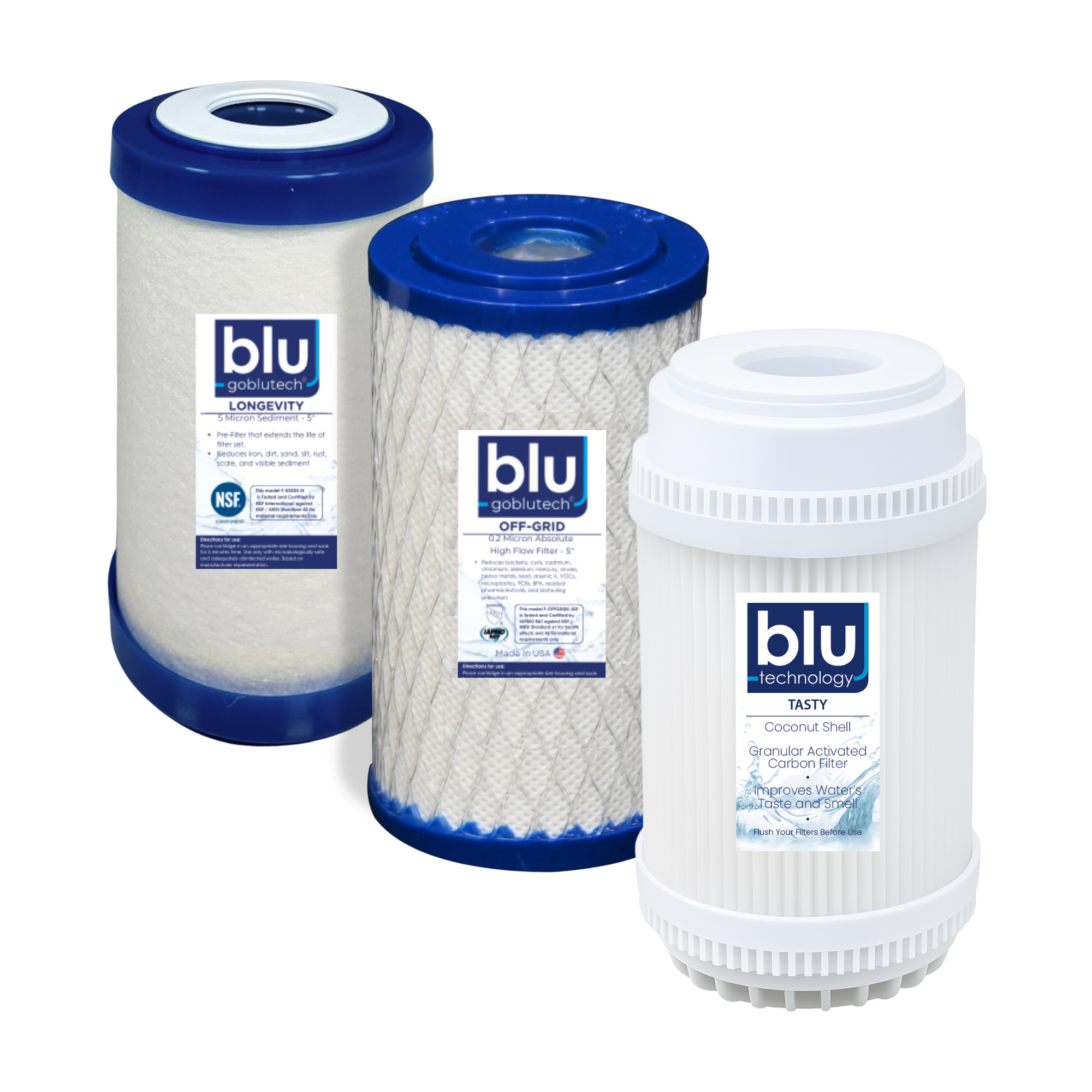
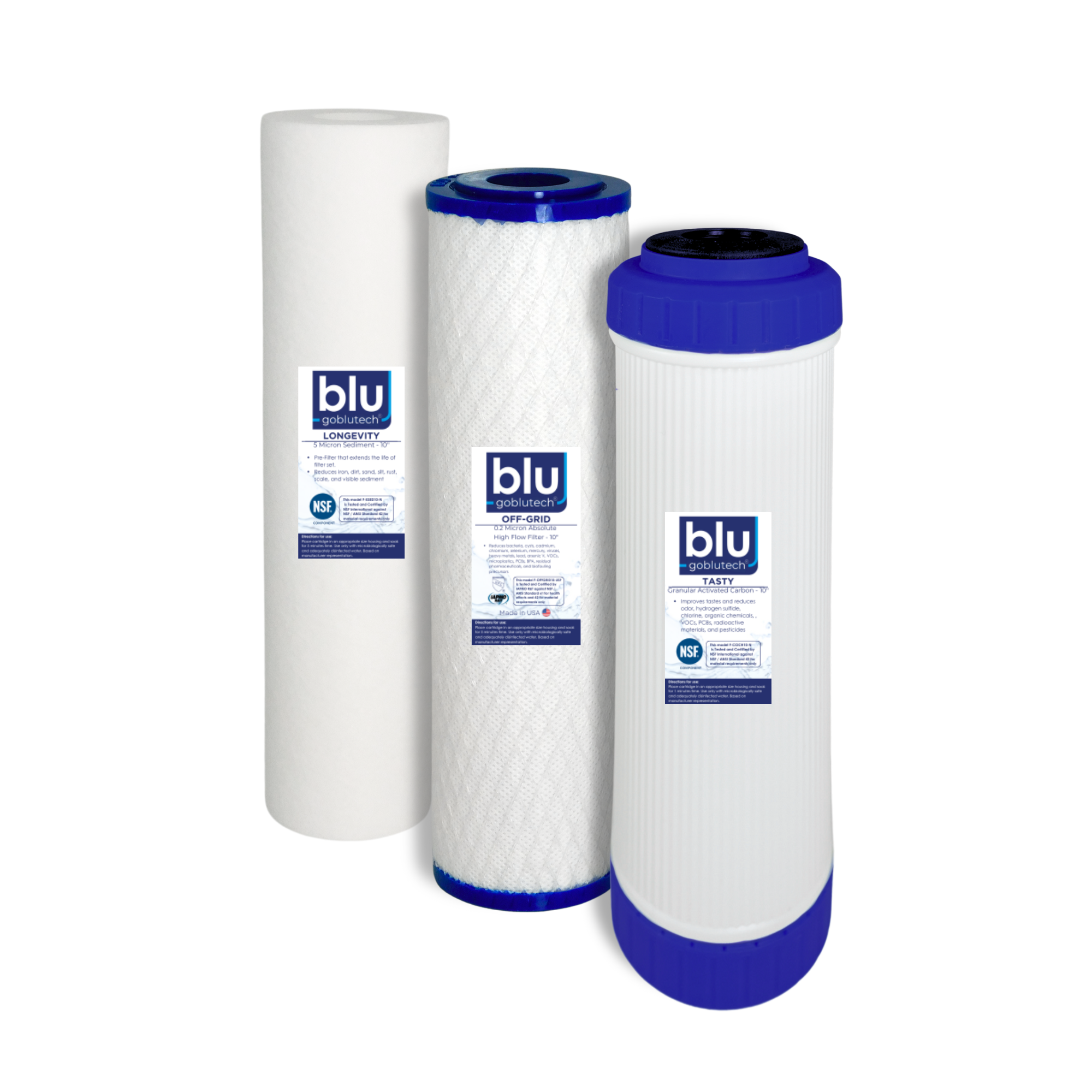
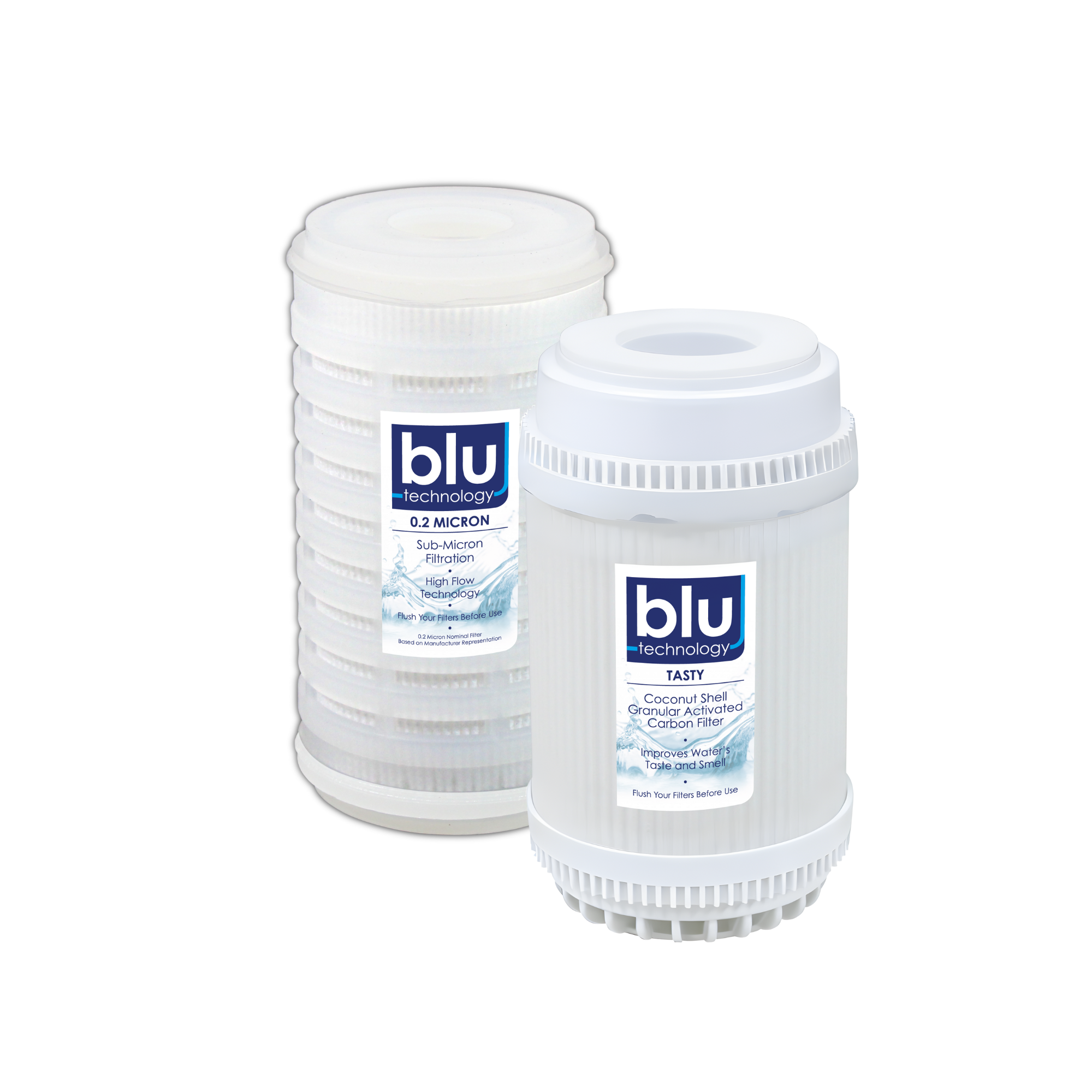
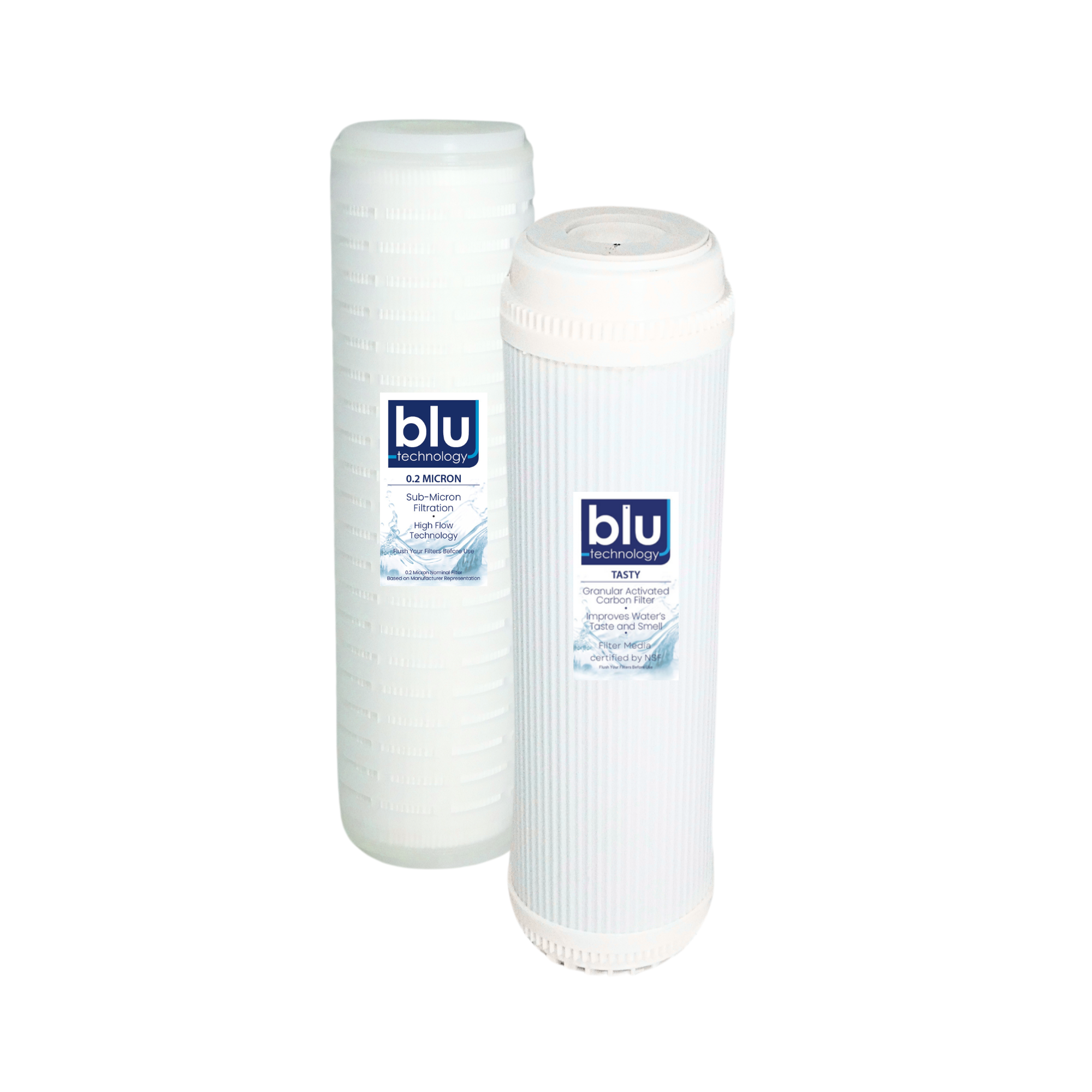
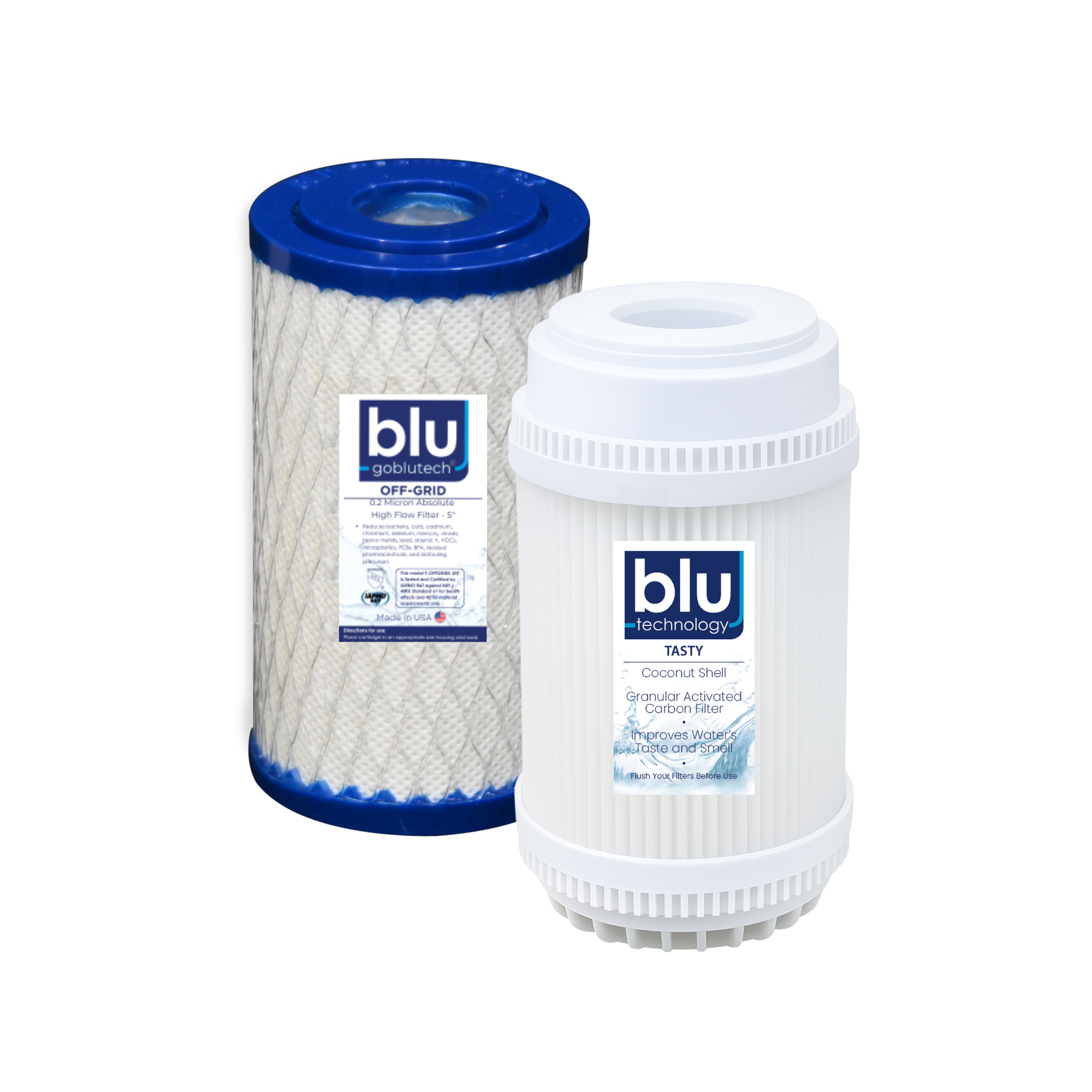
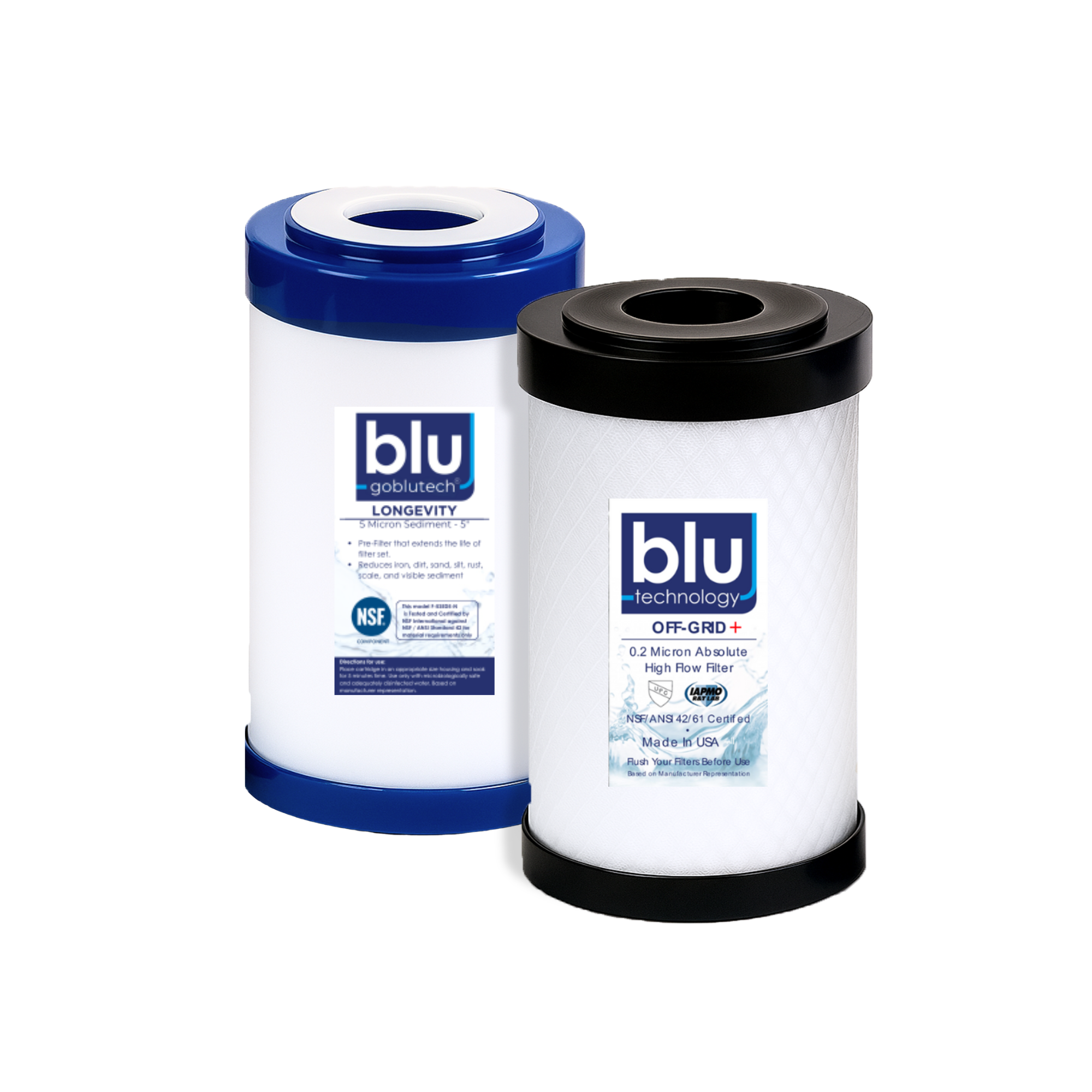
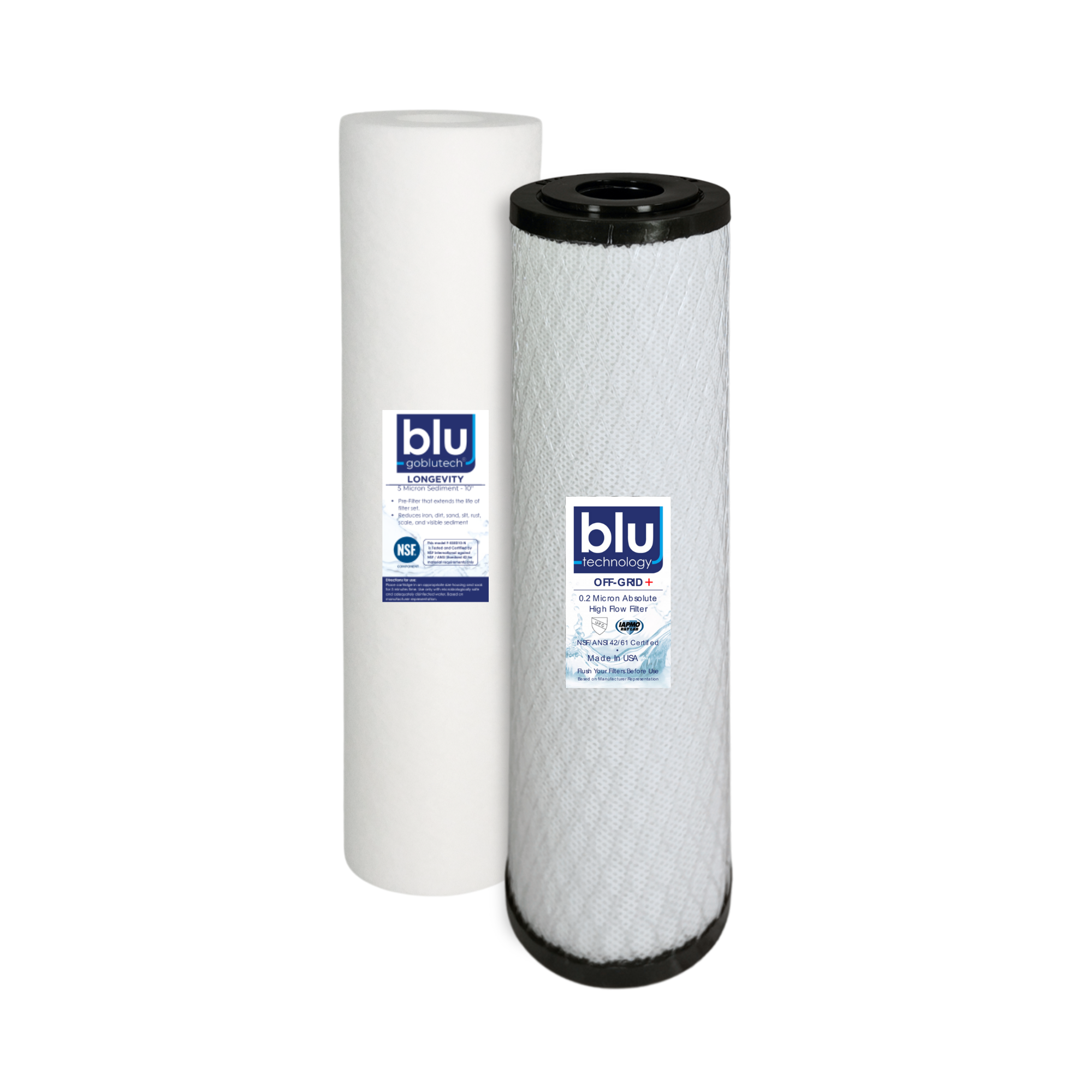
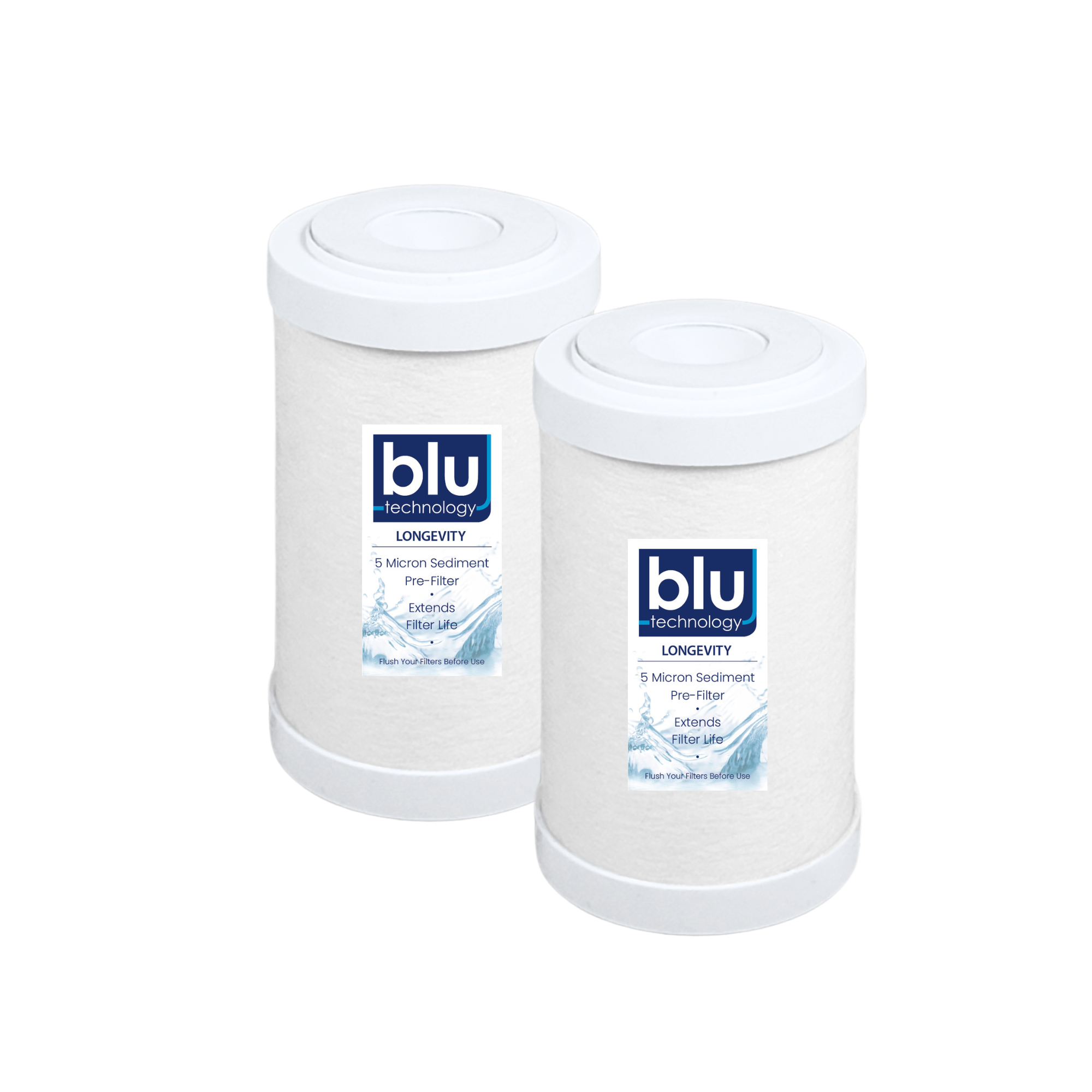
All Filter Packs



1-Year Warranty*
Register your product after purchase to extend your warranty coverage from the standard 3 months to a full 1 year at no additional cost.
✓ Faster warranty claim support
✓ Simple online registration
✓ No additional cost
*All products include a standard 3-Month Limited Warranty. Register your product within 30 days of purchase to activate 1-Year Warranty Coverage. Warranty terms and conditions apply.